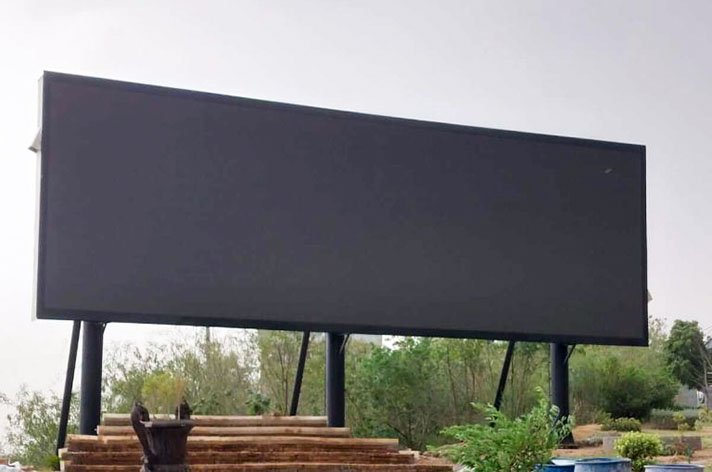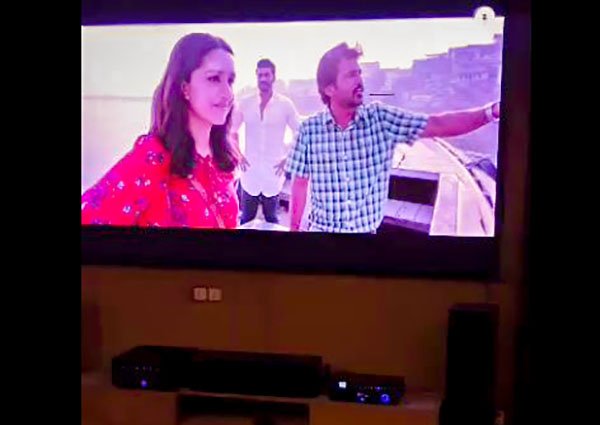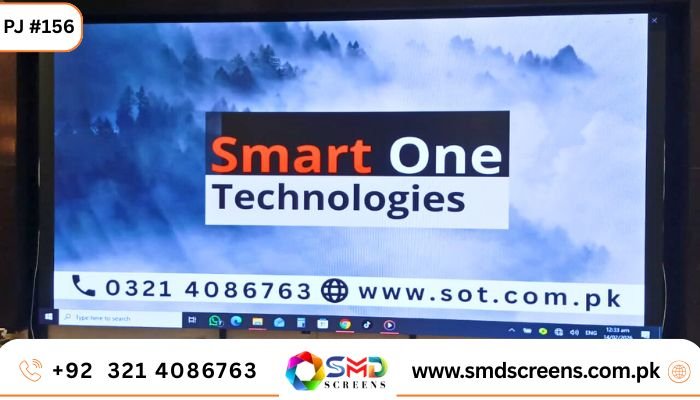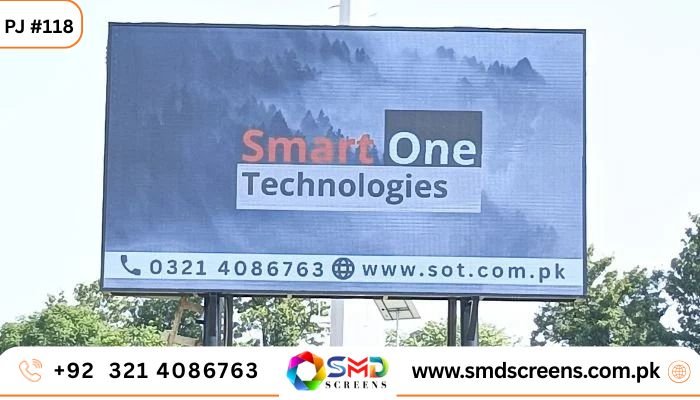
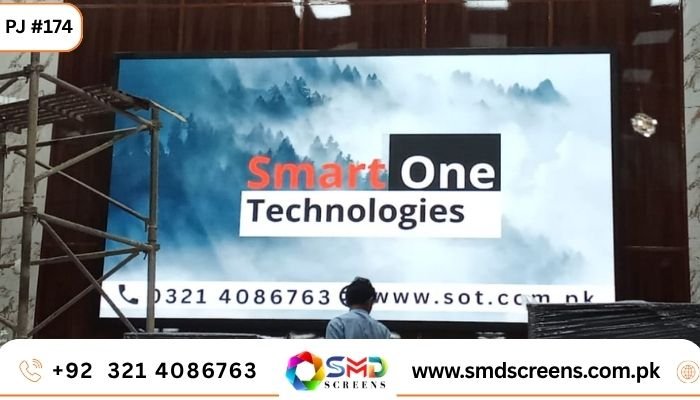
Indoor SMD Screen Install at Arid University, Rawalpindi
| TL;DR — Quick Answer Smart One Power Solution installed a 16 x 9 foot Indoor SMD Screen at Arid University, Rawalpindi, using a P2.5 pixel pitch. That’s a fine, close-viewing resolution, ideal for a busy campus hallway where students walk past every few seconds. The screen now handles admission updates, exam notices, and event announcements — jobs that used to fall on a crowded notice board covered in fading paper. It’s a simple upgrade on paper, but it changes how fast information actually reaches students. |
Walk past the main entrance of most university campuses in Pakistan and you’ll see the same thing: a notice board stuffed with papers, half of them outdated, some peeling off the corkboard entirely. It works, sort of. But it’s slow, messy, and easy to walk right past without noticing. That’s the exact problem Arid University in Rawalpindi decided to fix. Instead of printing one more flyer, they installed a 16 x 9 foot Indoor SMD Screen, built by Smart One Power Solution, with a pixel pitch of 2.5mm. Here’s what that actually means, and why it matters.
Why a Screen, and Why Now
Universities move fast. An exam date shifts. A guest speaker cancels. A society posts a new event three days before it happens. None of that fits well on paper. By the time a notice gets printed and pinned up, it’s already halfway out of date. A digital screen fixes that in the most obvious way possible — someone updates the content on a computer, and it shows up on the screen right away. No printing, no walking to the board, no torn corners flapping in the wind.
Project Specifications
| What | Detail |
| Where | Arid University, Rawalpindi |
| Screen size | 16 x 9 feet |
| Pixel pitch | 2.5mm (P2.5) |
| Used for | Admissions, exam notices, events, campus updates |
| Installed by | Smart One Power Solution |
So What Does ‘P2.5’ Actually Mean?
It sounds technical, but it’s a simple idea. The number 2.5 is the distance, in millimetres, between each LED dot on the screen. Smaller number, tighter dots, sharper picture up close. We’ve explained this in more depth in our P2.5 SMD Screen guide, but the short version for this project is simple: P2.5 looks sharp from about 2.5 to 3 metres away. That’s almost exactly how far students stand from a hallway screen — close enough to read every word, but far enough that a crowd can see it at once. Go with a cheaper, wider pixel pitch and the text starts looking blocky up close. Go finer than P2.5 and you’re paying extra for sharpness nobody at that distance will even notice.
Why 16 x 9 Feet Made Sense
Size wasn’t picked randomly either. Big enough to actually grab attention in a busy lobby, but not so big it looks out of place on the wall. And the 16:9 shape is the same ratio almost every video, slide, or promotional clip is already made in. That’s a small thing, but it saves the university’s team from having to resize or crop content every time they want to post something new.
What Changed Day to Day
Picture a normal day. Morning — the screen shows academic notices and what’s happening that day. Midday, when the hallway fills up between classes, it can switch to admissions info for visiting students. Evening, maybe a short clip promoting next week’s seminar. And if something urgent comes up, like a schedule change, it goes up in minutes instead of someone scrambling to print and pin a notice before class starts.
A Quick Word on Brightness
Since this screen sits indoors, it doesn’t need the blinding brightness an outdoor billboard would need to fight against sunlight. It’s calibrated instead for the lighting already in the building — bright enough to read clearly, not so bright it feels harsh under indoor lights. We go into more detail on how that calculation works in our guide on choosing SMD screen brightness for indoor and outdoor spaces, if you’re curious.
Indoor, Not Outdoor — Here’s Why
Some campuses install screens outside too, but that’s a different job entirely. This one sits inside a building, away from rain, dust, and direct sun. That means it didn’t need the weatherproof housing or the extra brightness an outdoor panel requires, which also keeps the running cost lower. An outdoor screen, like the P5 panel installed at Dow University’s Ojha Campus in Karachi, is built for a completely different set of conditions — longer viewing distances and constant sun exposure.
How the Installation Actually Went
It didn’t start with a screen showing up in a box. Smart One Power Solution visited the site first, checked the lighting, the wall, and how students actually move through that hallway during the day. Only after that did the specification get finalised. From there, the team built a mounting frame strong enough to hold the full panel safely, ran the cabling out of sight, and calibrated every module so the brightness and colour looked even across the whole screen. Skipping that first site visit is usually where these projects go wrong — you end up with a screen that’s technically fine but doesn’t actually fit the space it’s in.
A Different Kind of Space Than a Shop or Office
It’s worth pointing out that a university hallway doesn’t behave like a retail store or an office lobby. In a shop, people glance at a screen for a few seconds while browsing. In a university hallway, you get everything at once — students rushing between classes, someone stopping to actually read the exam schedule, a visiting parent slowing down to check admissions details. That mix of behaviour is exactly why P2.5 and this screen size made sense here: sharp enough for someone standing still and reading closely, big enough to still catch the eye of someone walking past in a hurry.
Keeping It Running Long-Term
A screen that goes dark during exam week isn’t just annoying, it defeats the whole point of installing one. That’s why backup power and regular maintenance checks matter just as much as the install itself. If you’re curious what a screen this size actually costs to run, our breakdown on SMD screen power consumption walks through the numbers.
The Bigger Picture for Smart One Power Solution
This wasn’t a one-off. Smart One Power Solution has been doing this kind of work for 15 years, treating a university hallway with the same care as a government briefing room. The Indoor SMD Video Wall at NAB Islamabad followed the same approach — visit the site first, then decide the specs. That same thinking shows up across the company’s full range of Indoor SMD Screens and video wall projects for schools, offices, and government buildings across Pakistan.
If You’re Considering Something Similar
- Measure how far people actually stand from the screen before picking a pixel pitch.
- Match the aspect ratio to whatever content you already make, so nothing needs resizing.
- Get someone to check your actual lighting before locking in a brightness level.
- Don’t skip the site visit, even if it feels like an extra step.
- Decide who’s managing the content before the screen goes live, not after.
What Was Wrong With Just Using a TV Screen?
Fair question. A regular LCD TV would technically fit on that wall too, and it’d cost less upfront. But TVs aren’t built for this kind of job. Run one 10-12 hours a day, every single day, for years, and it starts to show — dimmer picture, occasional dead pixels, sometimes total failure well before its time. An Indoor SMD Screen is built differently from the ground up, meant to run all day without flinching. And once you’re covering a space that wide, an LCD setup means stitching several TVs together with visible black borders between them, which never really looks clean up close.
What the University Team Had to Get Used To
There’s a small learning curve any time you swap paper for a screen. Someone on the university side now owns the job of updating content — logging in, uploading a new notice, scheduling it to appear at the right time. That’s a different skill than pinning a flyer to a board, but it’s not a hard one to pick up. Most teams get comfortable with it within the first couple of weeks. The upside is obvious pretty quickly: no more running around at the last minute trying to print something before an event.
Would This Work for a Smaller Department Building?
People sometimes assume a project like this only makes sense for a big, busy entrance. Not true. The same idea scales down just fine for a single department building or a smaller reception area — you’d just use a smaller screen and adjust the pixel pitch and brightness for that space instead of copying these exact numbers. The core idea stays the same either way: figure out how close people actually stand, then build the specs around that.
Frequently Asked Questions
Why did Arid University choose a P2.5 pixel pitch?
Because students typically stand 2.5 to 3 metres from the screen in the hallway, and P2.5 stays sharp at exactly that distance without the extra cost of a finer pixel pitch that wouldn’t add any visible benefit there.
How big is the screen, and why that size?
It’s 16 x 9 feet — big enough to be noticed in a busy lobby, but proportioned to fit the space naturally. The 16:9 shape also matches the format most video and slide content is already made in.
What does the screen actually display?
Mostly academic notices, exam schedules, admissions information, and event promotions — the same things that used to go on a printed notice board, just updated instantly instead.
Could a smaller or bigger campus use the same setup?
The general approach would work, but the exact size, pixel pitch, and brightness should be re-checked for that specific space rather than copied directly.
Why indoor and not an outdoor screen?
Because this location is inside a building, away from weather and direct sun. An outdoor screen would need extra weatherproofing and brightness this indoor location simply doesn’t require.
Final Thoughts
The real story here isn’t the screen itself, it’s what it replaced. A 16 x 9 foot Indoor SMD Screen with a P2.5 pixel pitch turned a messy, outdated notice board into something students can actually rely on for accurate, up-to-date information. If you’re thinking about something similar for your own campus or institution, the takeaway isn’t to buy the biggest screen available. It’s to match the size, sharpness, and brightness to how people actually use the space.
| Thinking about a similar upgrade for your campus? Smart One Power Solution offers a free site visit and full installation support for Indoor SMD Screens at universities and institutions across Pakistan. |